Scan. Choose. Enjoy.
Pay by phone. Keep your change for your next coffee.
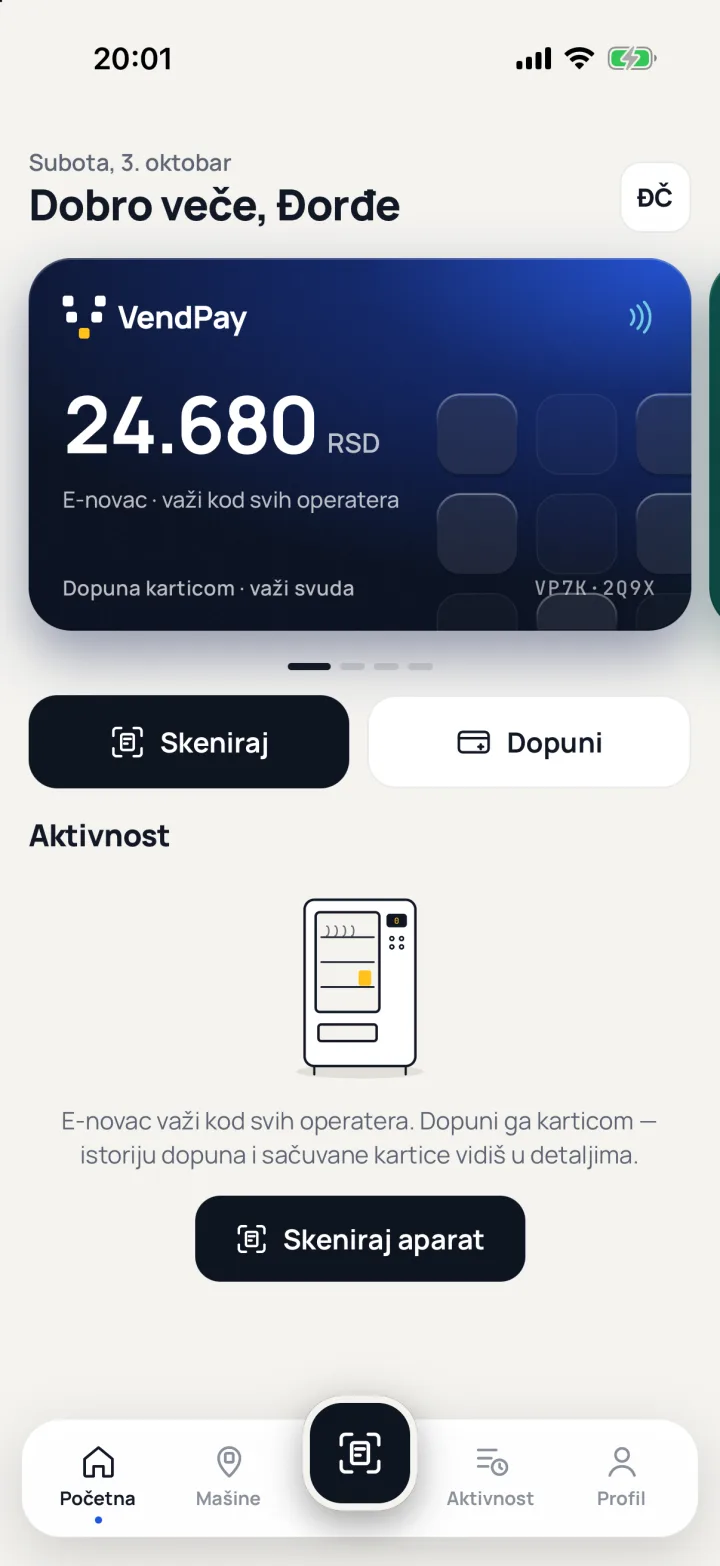
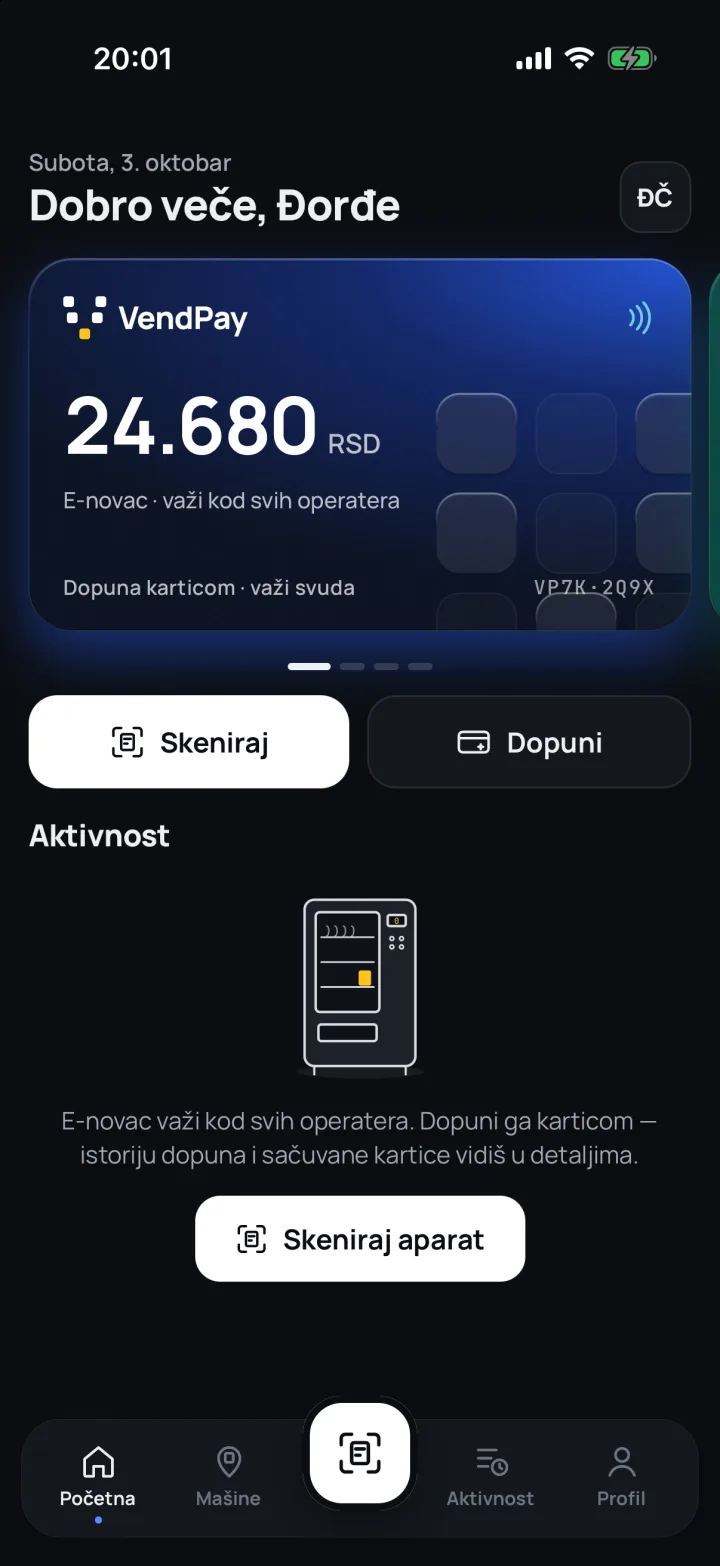
On machines with a VendPay sticker, use the operator’s wallet, top it up with cash and collect your change as credit.
For iOS and Android. Look for the VendPay sticker.

VendPay · your vending wallet
AHow it works
Three steps to your coffee.
Your phone sends the credit. You choose on the machine, just as before.
-
“Sticker found”
Scan the sticker on the machine
Every VendPay machine has a QR sticker. Point the camera at it or type the code from the sticker, and the app opens that exact machine.
-
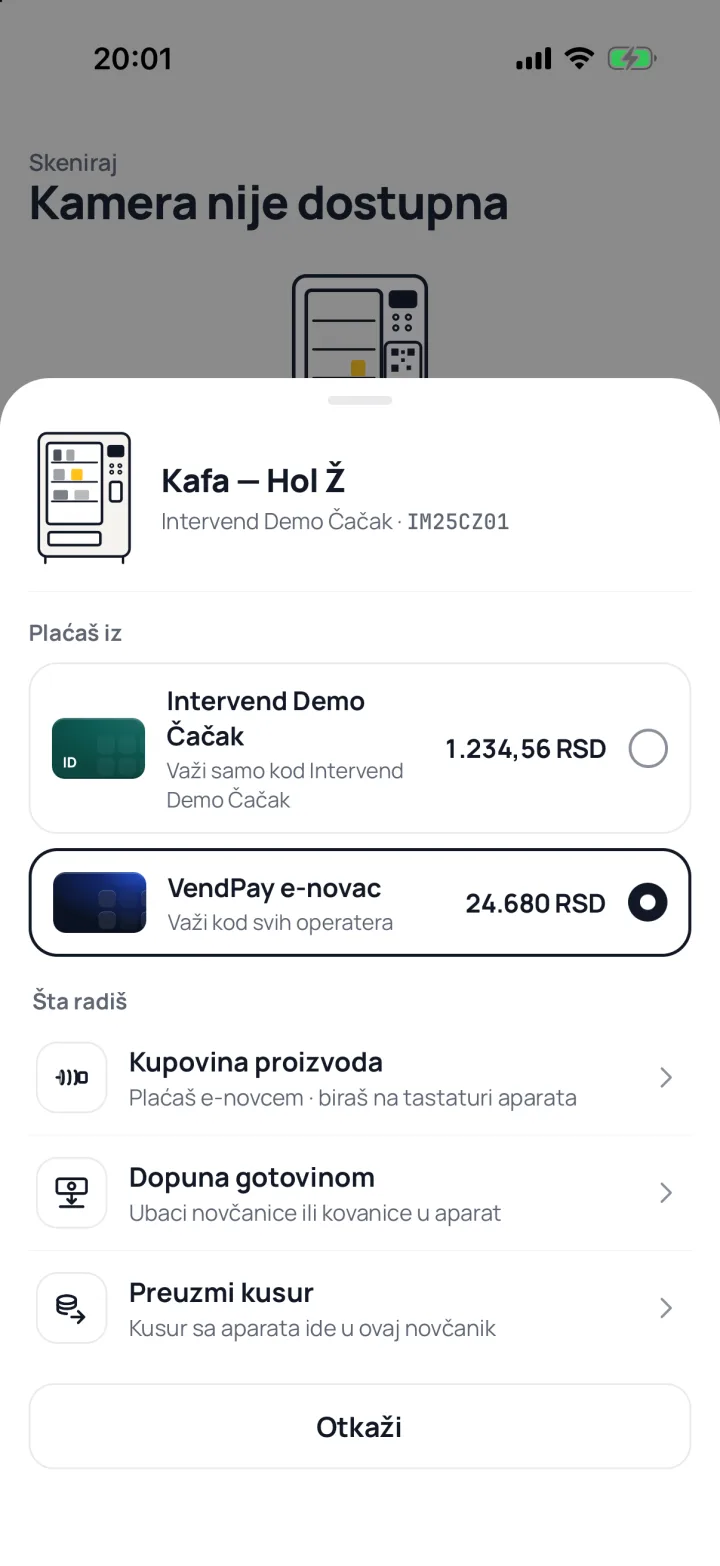
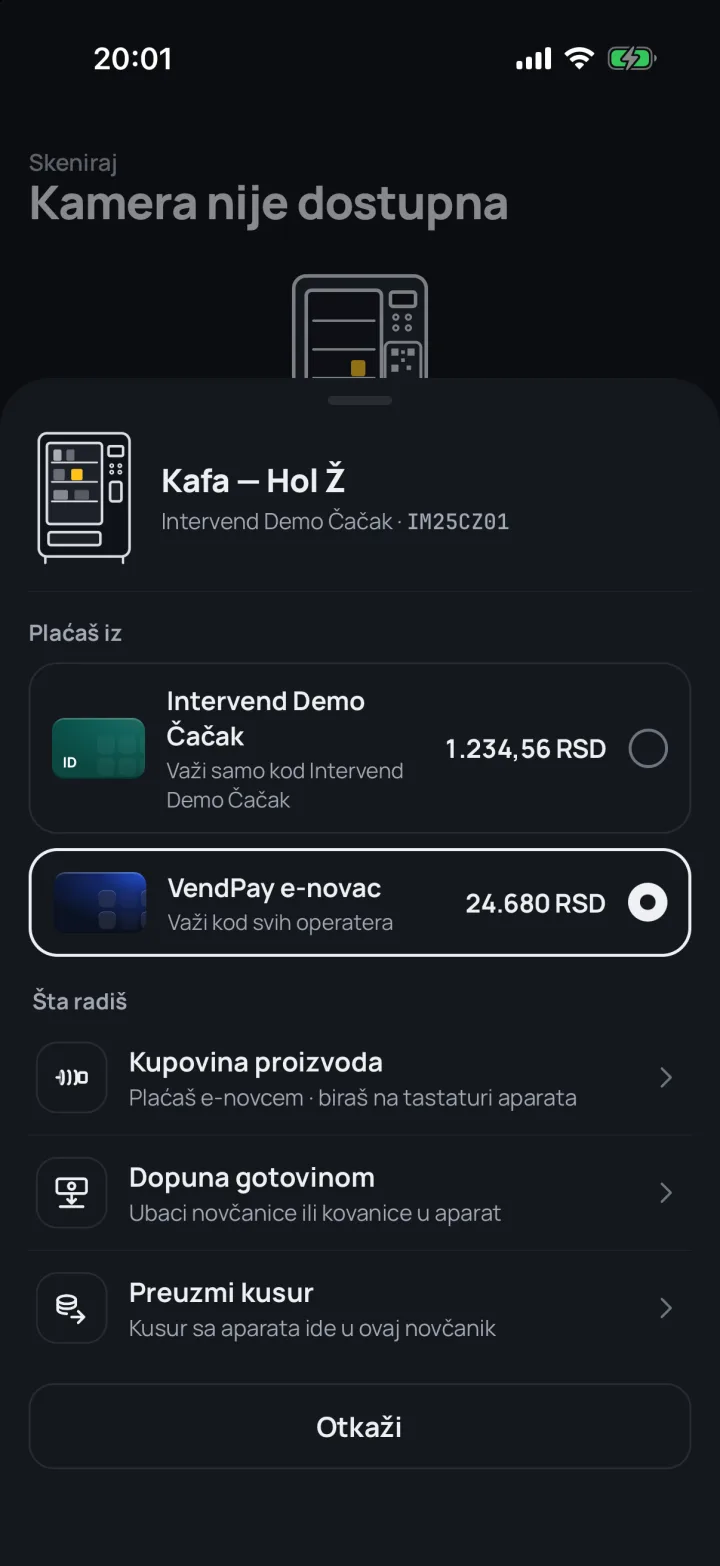
“Pay from”
Activate credit from your wallet
Choose the operator’s wallet and confirm payment. You see your balance first. Cash top-ups and collecting change are in the same menu. E-money works with participating operators.
-
“Choose a product on the machine”
Choose on the machine
Once the credit reaches the machine, press the button for your product and collect it. The app shows purchase progress and saves the transaction in Activity.
BFor users
Change today. Credit for next time.
Coffee at work or a snack on the go: operator wallets in one phone. Spend an operator’s credit at that operator’s VendPay machines.
-
A wallet per operator
Every machine operator has its own card, with its own balance and its own history.
B1Per operator -
VendPay e-money
Top up by card through PaySpot with 3-D Secure. E-money works with operators who enable its acceptance.
B2PaySpot -
Change as credit
The machine’s change doesn’t have to go in your pocket. Collect it into the operator’s wallet and spend it next time.
B3Change -
Cash top-up
Insert notes or coins into the machine, and the amount goes straight into your wallet.
B4Cash -
Purchase receipt
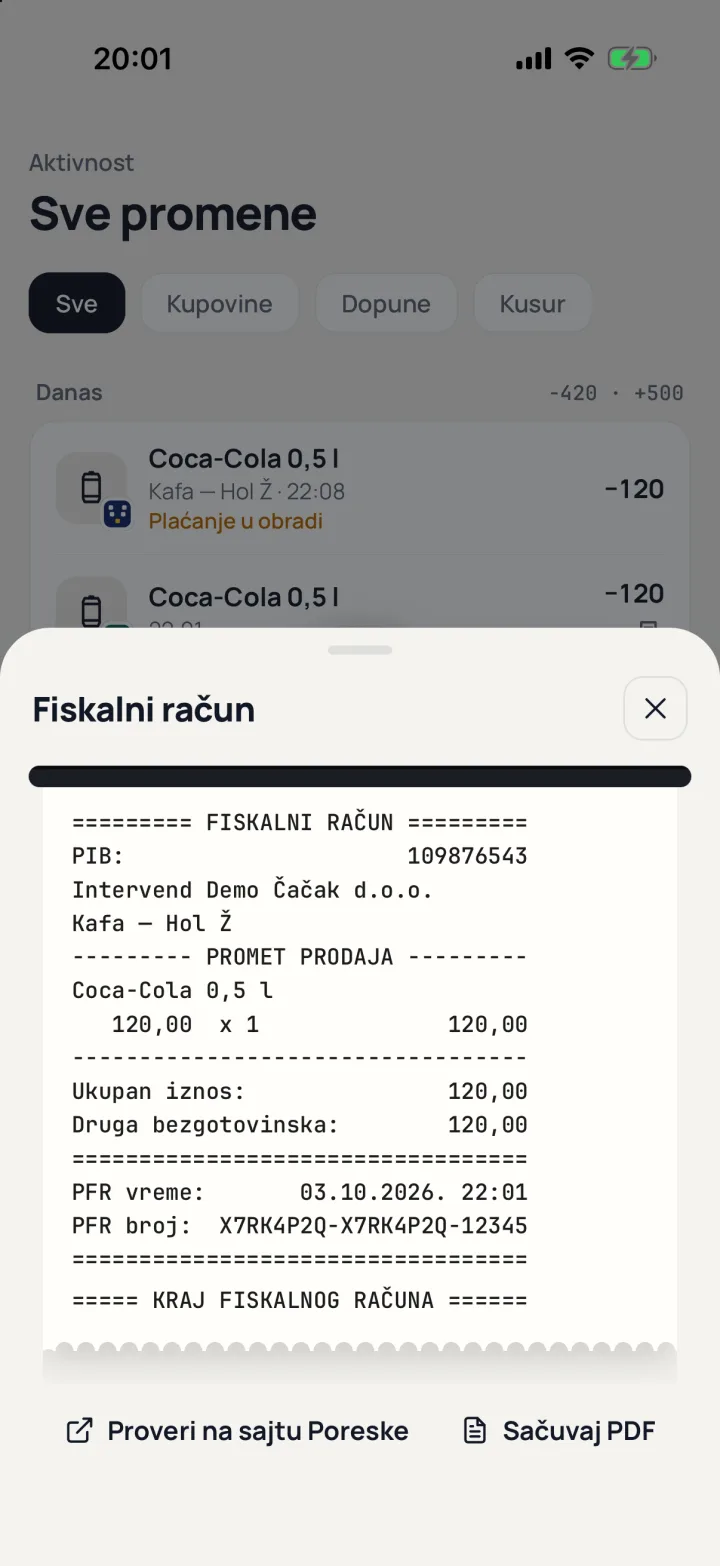
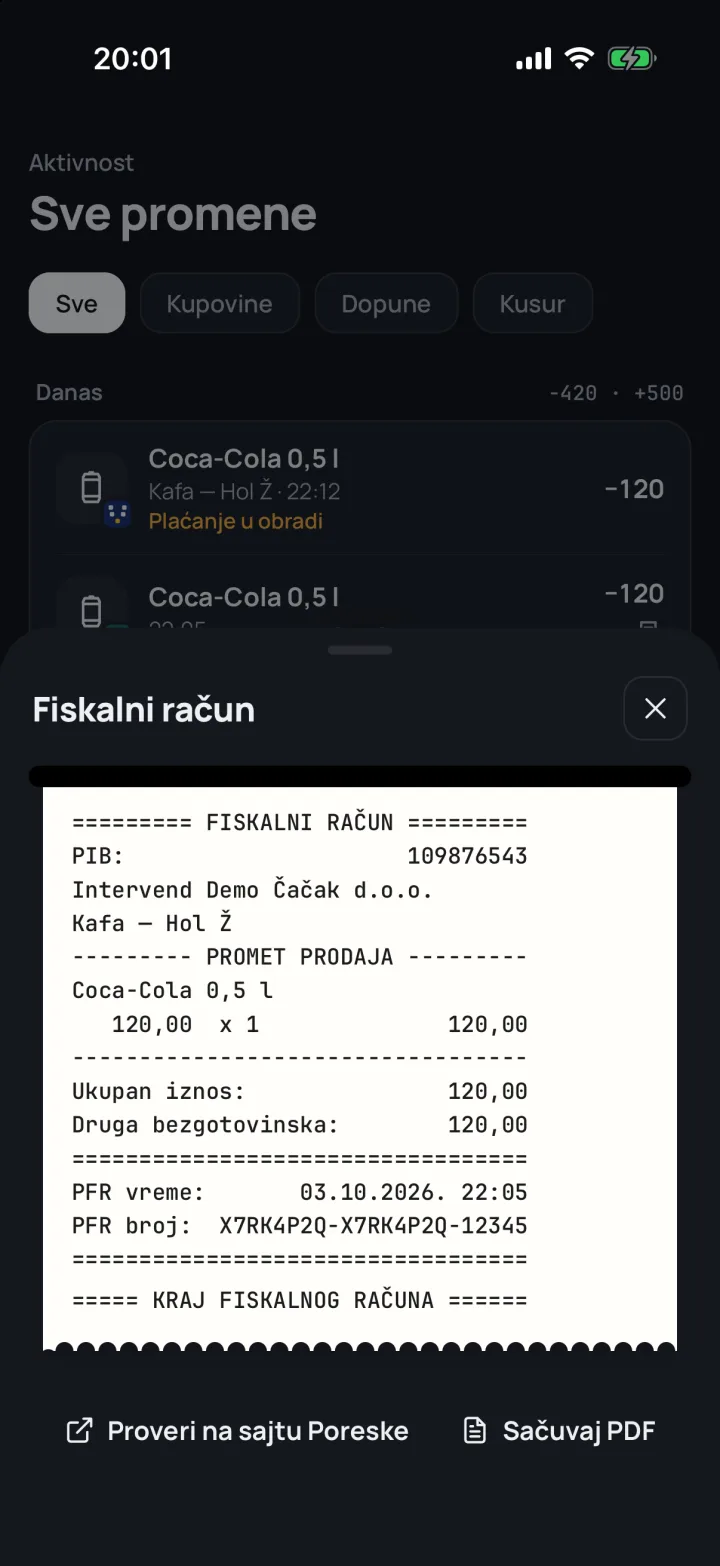
When a purchase is fiscalized, its receipt is attached to the transaction in the app, available as a PDF and by email. Operator-wallet receipts depend on the operator’s settings.
B5PDF · email -
All activity
Purchases, top-ups and change, grouped by day, with the product and machine names.
B6By day
CFor operators
Your wallet. Your customers. Your prices.
Customers keep change for their next purchase. You set credit, discounts and prices for individuals or a client’s employees. Manage customers and transactions through the WALLET module in Intervend.
Will it work with your machines?
VendPay works with Intervend and supported machines. Send us your machine models and fleet size so we can check compatibility, terms and rollout steps before activation.
Fiscalization is handled through Intervend. Local-wallet receipts depend on the operator’s settings; e-money purchases are fiscalized.
- C1Customers by IDThe customer sees their ID in the app. You add it and see balance, spending and history.
- C2Fund transfersSend credit straight to a customer’s wallet.
- C3Customer groupsFor example a client’s employees, with their own wallet price lists.
- C4Discounts and customer pricesA discount on every wallet purchase, or an exact price per item.
- C5Fiscal receiptsConfigure local-wallet fiscalization and review issued receipts through Intervend.
- C6TransactionsCash top-ups, change, transfers and purchases in one place. Card top-ups through VendPay e-money.
- C7Your card in the appChoose your wallet card’s colour, the way customers see it.
- C8VendPay per machineSwitch it on from the machine’s page in the panel.
DSecurity
Clear about money, receipts and data.
Operator wallets and VendPay e-money are different: local credit works with one operator. E-money is issued by PaySpot and accepted by operators who enable it; card entry takes place on PaySpot’s page with 3-D Secure.
Fiscal receipts are issued by the operator through Intervend. Local-wallet receipts depend on settings, while e-money purchases are fiscalized. We never store card numbers or sell or share data for marketing purposes.
Privacy policy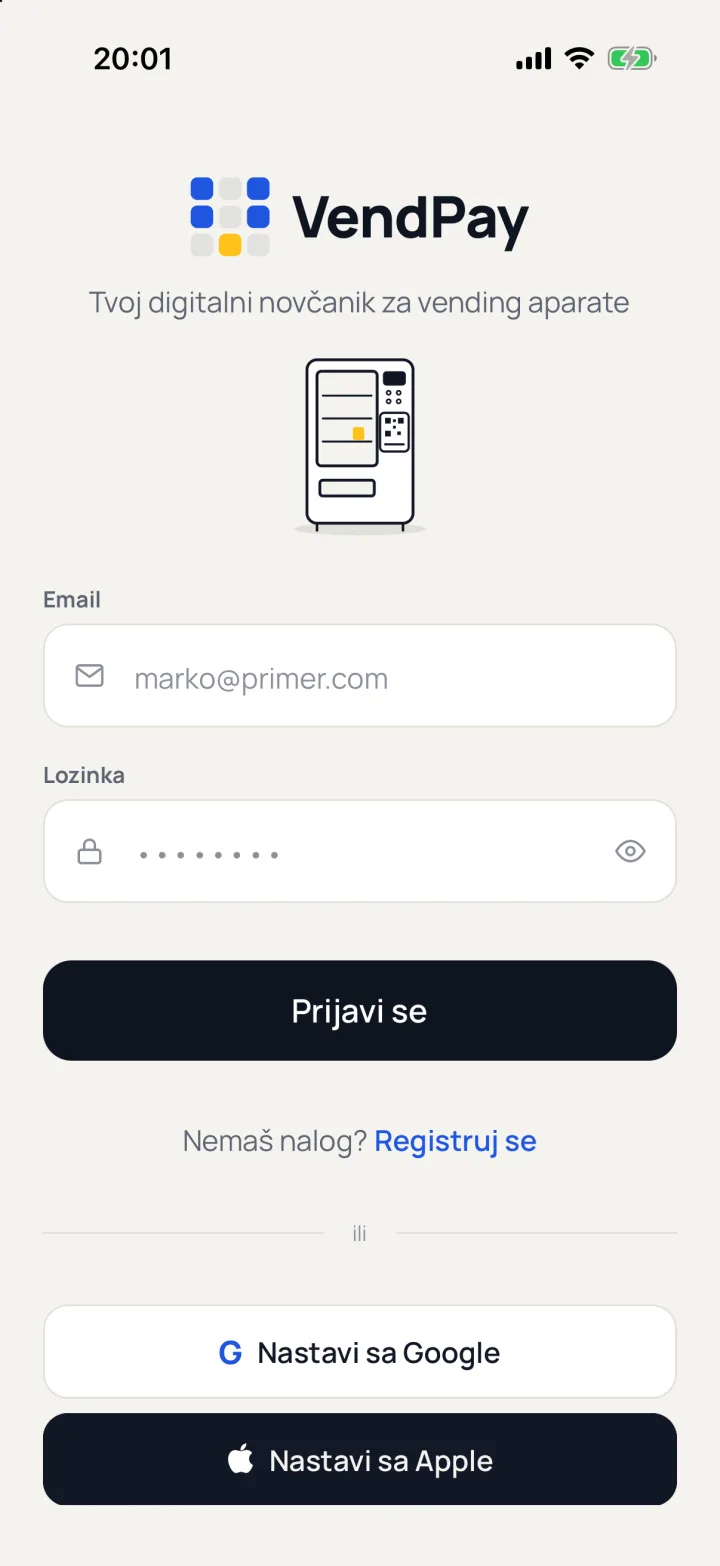
EThe app
Your wallet for vending machines.
VendPay for iOS and Android, in Serbian and English. Choose your phone and request an installation link.
Contact support for an installation link. Buttons without a direct store link open your email app.
FFAQ
Questions.
F1What is VendPay?
A mobile app for paying at machines with a VendPay sticker. Use an operator’s wallet or VendPay e-money with participating operators.
F2Do I need a payment card?
Not for the operator’s wallet: top it up with cash at a supported machine or collect change, and the operator can also send you credit. Top up VendPay e-money by card.
F3What if the machine doesn’t vend?
The app follows the machine’s delivery confirmation. If you do not receive your product or funds remain reserved, email support@vendpay.it with the machine code and purchase time so we can check the transaction.
F4Where is my fiscal receipt?
When a purchase is fiscalized, the receipt is attached to its transaction in Activity, available as a PDF and by email. Operator-wallet receipts depend on the operator’s settings; e-money purchases are fiscalized.
F5Can I withdraw my wallet balance?
The wallet balance is not redeemable for cash. A refund to the original payment source is possible only where the machine operator’s policy provides for it.
F6Why does the app ask for my location?
To check you are near the machine when connecting, and to show distances and find nearby machines. We don’t collect advertising identifiers.
F7How do I sign in, and how do I delete my account?
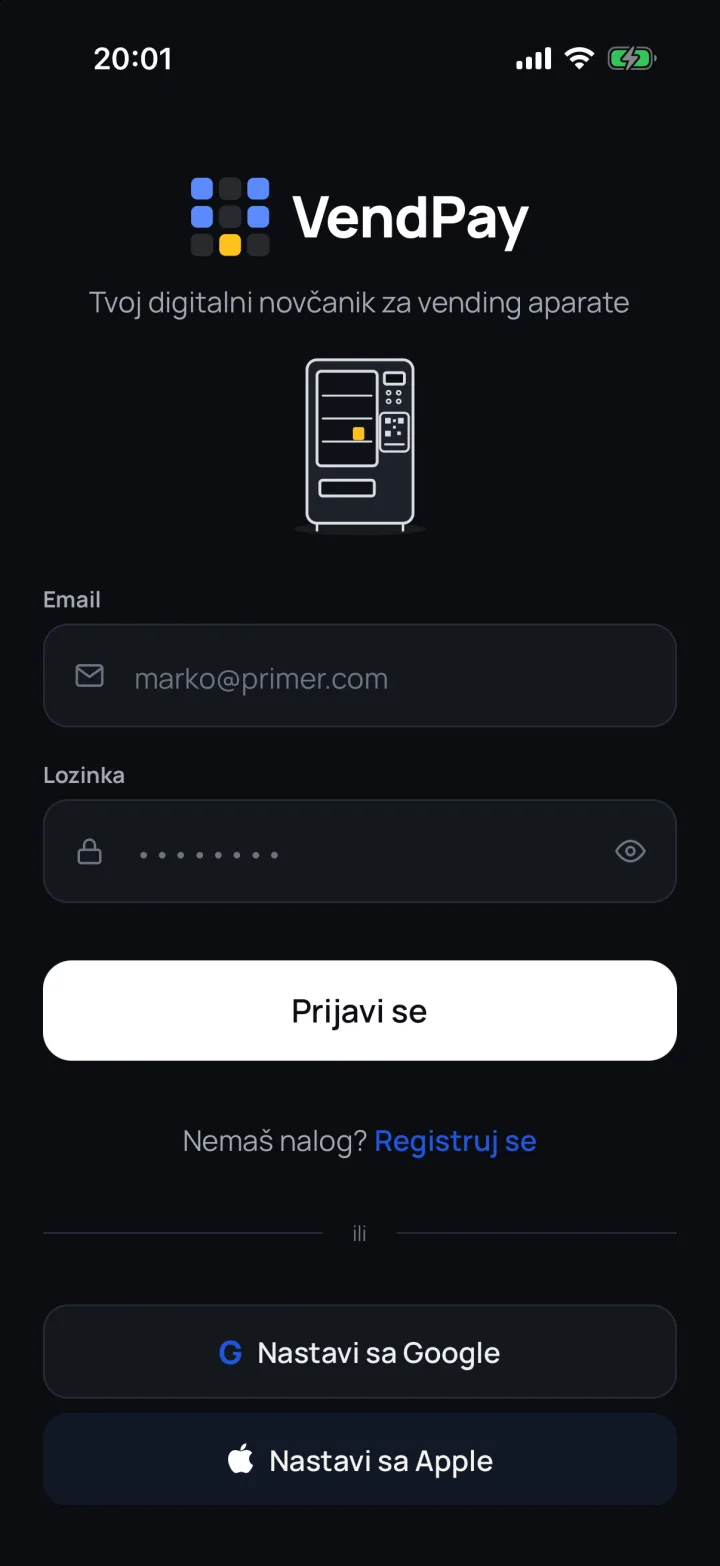
With an email address and password, or with Google or Apple. To delete your account, write to support@vendpay.it.
F8I run machines. How do I switch VendPay on?
We first check machine compatibility and rollout terms. VendPay works with Intervend, the WALLET module and activation per supported machine. Send your machine models and fleet size to office@simons.co.rs.